Top 10 Furniture Designing Software in 2026 — Tools Empowering Designers, Manufacturers and Retail Innovators
GLOBAL — The furniture industry is undergoing rapid digital evolution, and software tools have emerged as indispensable assets for designers, manufacturers, retailers, and visualization professionals alike. According to a recent comprehensive review by Renderedge Studio, the Top 10 Furniture Designing Software platforms for 2026 balance creativity, technical precision, real-world manufacturability, and photorealistic visualization — collectively redefining how furniture is designed and brought to market.
These tools range from simple conceptual sketch apps for early ideation to sophisticated CAD and rendering systems capable of generating production-ready files and cinematic imagery. Below is a breakdown of the top contenders driving innovation in furniture design workflows globally:
1. SketchUp — The Conceptual Workhorse
Often mistaken for entry-level software, SketchUp delivers rapid modeling, intuitive workflows, and access to a vast online 3D library. Designers favor its ability to quickly prototype concepts and iterate multiple versions — especially useful during early client presentations and creative explorations. Extensions like V-Ray can elevate its rendering capabilities, making it suitable for professional client showcases.
2. Autodesk Fusion 360 — Bridging Design & Manufacturing
Fusion 360 is celebrated for its parametric modeling, cloud collaboration, and integrated manufacturing support, giving furniture makers the ability to generate multiple size variants and CNC programming outputs. Its cloud-based tools streamline teamwork across distances — a key advantage for global design and production teams.
3. SolidWorks — Engineering Precision for Complex Builds
Large-scale manufacturers rely on SolidWorks for its meticulous accuracy and engineering capabilities, including stress simulations and detailed manufacturing documentation. These features ensure structural integrity and minimize material waste, making it a standard in engineering-heavy furniture production environments.
4. Blender — Free Yet Powerful Rendering & Animation
As an open-source powerhouse, Blender delivers top-tier animation and rendering tools at no cost, enabling studios to produce cinematic quality visuals that rival expensive proprietary packages. Its advanced render engines and support for procedural modeling make it a favorite for marketing visuals and product animations.
5. Rhinoceros 3D — Sculpting Organic Geometry
For designs featuring flowing, organic shapes, Rhino’s NURBS-based modeling excels where traditional polygon tools fall short. Its precision and versatility are particularly valued in high-end contemporary furniture and complex curved forms that challenge standard CAD systems.
6. AutoCAD — Still Essential for Technical Documentation
Though more traditional, AutoCAD remains indispensable for technical drafting and detailed shop drawings that manufacturers rely on. Its universal file formats and precision make it a trusted tool in translating design intent into fabrication instructions.
7. Shapr3D — CAD on the Go
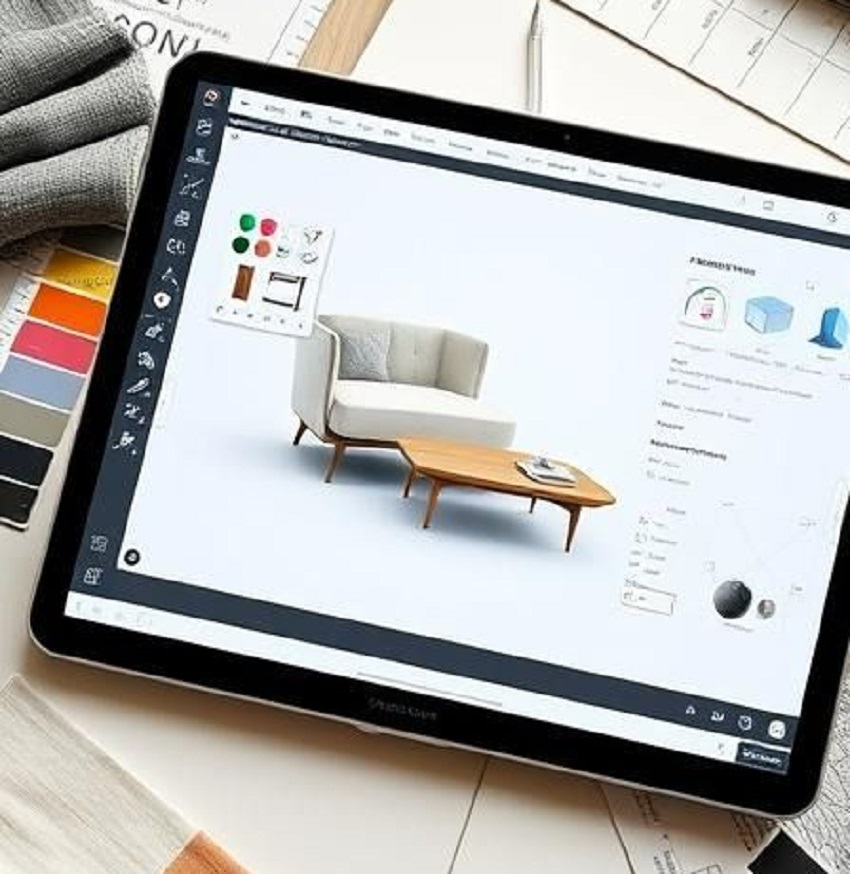
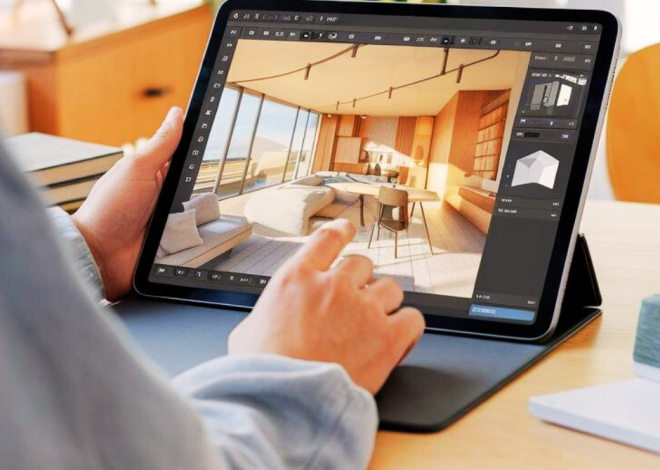
The mobile-friendly Shapr3D brings desktop-class CAD capabilities to tablets, enabling designers to sketch, iterate, and refine ideas in real time — even during client meetings. Its intuitive interface accelerates early stages of design, while full export functionality supports downstream workflows.
8. Cinema 4D — Visualization Specialist for Product Storytelling
Cinema 4D is widely recognized for its powerful rendering and animation capabilities — particularly valuable in generating cinematic furniture presentations, automated turntables, and product storytelling visuals. Its motion graphics toolkit elevates visual content for digital marketing and e-commerce.
9. Autodesk 3ds Max — Architectural Context and Detail
With deep integration into architectural visualization workflows, 3ds Max supports elaborate interior scenes and detailed contextual renderings, enabling furniture pieces to be shown within complete room environments — a crucial aspect for interior planners and showrooms.
10. Vectorworks Designer — All-In-One Design Ecosystem
Blending CAD, BIM, rendering, and documentation, Vectorworks Designer supports integrated design — from custom furniture conception to architectural plans and production scheduling. This makes it a versatile tool for firms that combine space planning with custom furniture design.
Why This Matters for the Furniture Industry
Experts say the right design software can significantly enhance product quality, accelerate time to market, and improve collaboration across interdisciplinary teams. Manufacturers can export precise files directly to CNC machines, while designers can deliver photorealistic renderings that help clients visualize final products before production even begins — strengthening sales pitches and reducing revision cycles.
As competition grows from digitally native brands and omnichannel retailers, furniture companies that adopt advanced design tools are better positioned to deliver customized solutions, optimize production, and create compelling customer experiences online and offline.

Related Posts
Furniture Designing Software — Trends, Importance, AI Evolution & What Manufacturers Must Prioritize in 2026

Furniture Designing Software in the AI Era: Trends, Importance, and What Manufacturers Must Focus on Now